
NDIS Support Worker Rates & Payments on CarerMarket Australia
Clear PricingYou Can Trust.
Knowing what a shift will cost before you commit matters. CarerMarket Australia connects NDIS Providers with Independent Support Workers, and every rate and charge is shown clearly on the platform before you confirm a booking.
Note: Pricing shown on the platform reflects current settings and may be updated from time to time. Always check the rate displayed at the time of booking, as this is the rate that applies.

Before You Book
What You'll See Before You Book
| Stage | What You’ll See |
|---|---|
| Before confirming a shift | Shift rates are displayed before confirmation |
| At checkout | Applicable platform charges are shown during checkout |
| Before payment | Any payment processing costs are displayed before payment is completed |
| After confirmation | No hidden charges are applied after confirmation |
How Rates Work
Rates may vary depending on shift timing and applicable pricing arrangements. The current rate for a shift is always displayed on the platform before it’s accepted, so both providers and support workers know exactly what a shift involves before committing. Support worker rates may be aligned with applicable NDIS Pricing Arrangements and Price Limits where relevant. Actual rates displayed on the platform may vary depending on shift requirements and current pricing settings. We recommend checking the official NDIS price guide if you need to confirm current NDIS pricing rules.
Platform Charges
CarerMarket Australia may apply a platform charge to shifts booked through the platform. Where a payment processing cost applies, it is shown separately from the platform charge, so you can see exactly what each charge covers. All applicable charges are displayed before a payment is completed. Nothing is added after a shift has been confirmed.
Payment
How Support Worker Payments Work
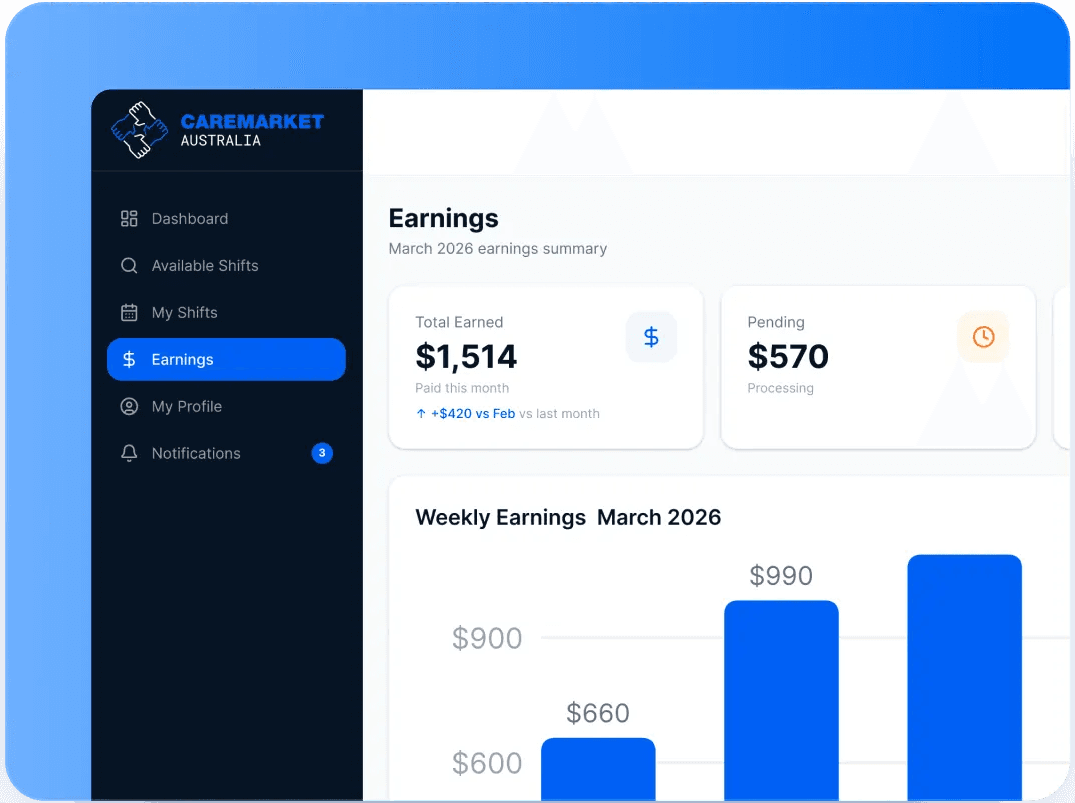
Your shift is verified through QR and GPS check-in. Your provider reviews your shift note and approves the shift. Your earnings then appear in your CarerMarket wallet.
Check your balance any time. When you are ready, withdraw to your bank account. Withdrawal timing: typically within 7 business days. With an option for Instant Withdrawal.
Withdrawal timing also depends on your bank and applicable banking timeframes, which sit outside our control once a payment leaves the platform.
REFUND POLICIES
No Shift Filled? Money Back
| What You Get | Why It Matters |
|---|---|
| No worker accepts your shift | Refund of the shift cost and platform charge |
| A worker accepts, and the shift goes ahead | Standard approval and payment process applies |
| You cancel a shift yourself | Cancellation and refund terms apply. See the Refunds section below. |
Refunds
Refunds
Refund eligibility depends on booking status and platform policies at the time of cancellation. Where a refund applies, the amount and any non-refundable components will be shown as part of the cancellation process.
For full details on how a specific cancellation will be handled, please refer to the platform's current terms or contact support.
FAQs
Answers to common questions
Ready to Get Started?
Post a shift and see the exact rate and any applicable charges before you confirm. Support workers can sign up and start browsing shifts that match their skills and location.